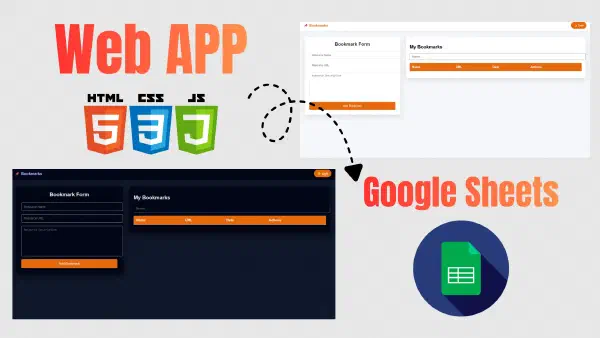

In this article, we will continue developing the CRUD Web App connected to Google Sheets using Google Apps Script.
This article is Part Two of the series, where we will add advanced features and improve the User Interface (UI) of the application.
Quick Overview of the Project#
In the second part of the Bookmark Web App, we will further develop the project’s script on both the frontend and backend sides, using Google Sheets instead of traditional databases like MySQL or MongoDB.
The video explains how to use the Google Sheets API with Apps Script to build a web application that allows you to create, edit, and delete data inside Google Sheets, along with adding advanced features such as search and bulk delete.
This content is suitable for developers interested in using Google Sheets as a free database and improving their skills in languages such as: HTML / CSS / JavaScript.
Technologies Used#
- HTML - CSS - JS
- Google Sheets API
- Apps Script
- Using APIs
What You Will Learn from This Project#
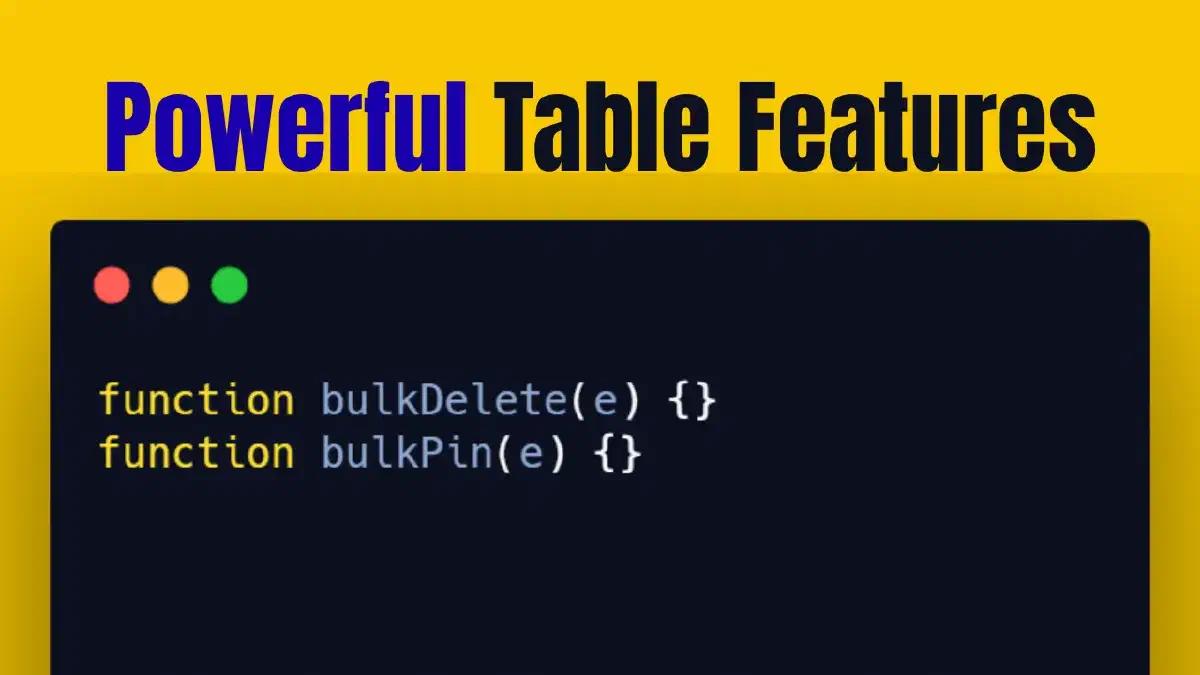
- Adding Bulk Delete to remove multiple rows at once
- Adding Bulk Pin to pin multiple rows inside the table
- Implementing Sorting for table data
- Applying Filter by Date to display data based on date
- Enhancing the form by adding a Type field
- Displaying dynamic badges inside the table based on the type
- Improving the table UI to make it more professional
Project Idea in Brief#
This project is an enhancement of a bookmark management system for saving links you visit. It can be used to save websites you browse, YouTube channels you follow, as well as links to courses and useful articles.
This Video Is Suitable For#
- Those who watched Part One and want to continue the project
- Web developers using Google Apps Script
- Anyone who wants to build a professional web app connected to Google Sheets
- Developers looking to work on a real CRUD project
Important Links#
Quick Questions (FAQ)#
Yes, it is enough to have basic knowledge of HTML, CSS, and JavaScript.
Yes, on GitHub.
You need a Google Sheets account, basic knowledge of HTML, CSS, and JavaScript, and a code editor to start the project.